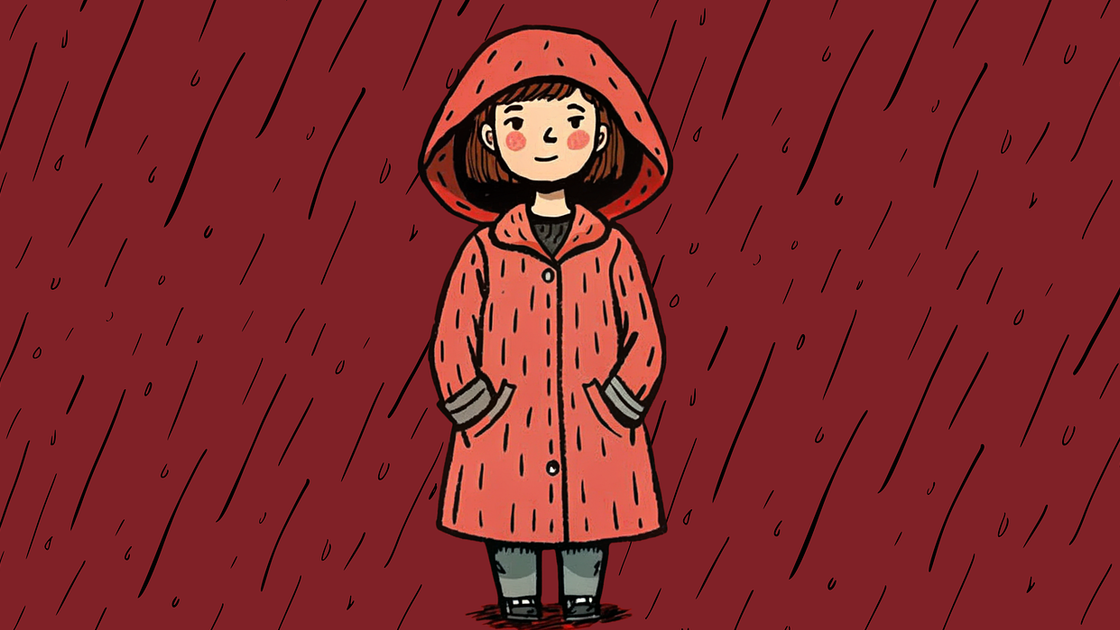
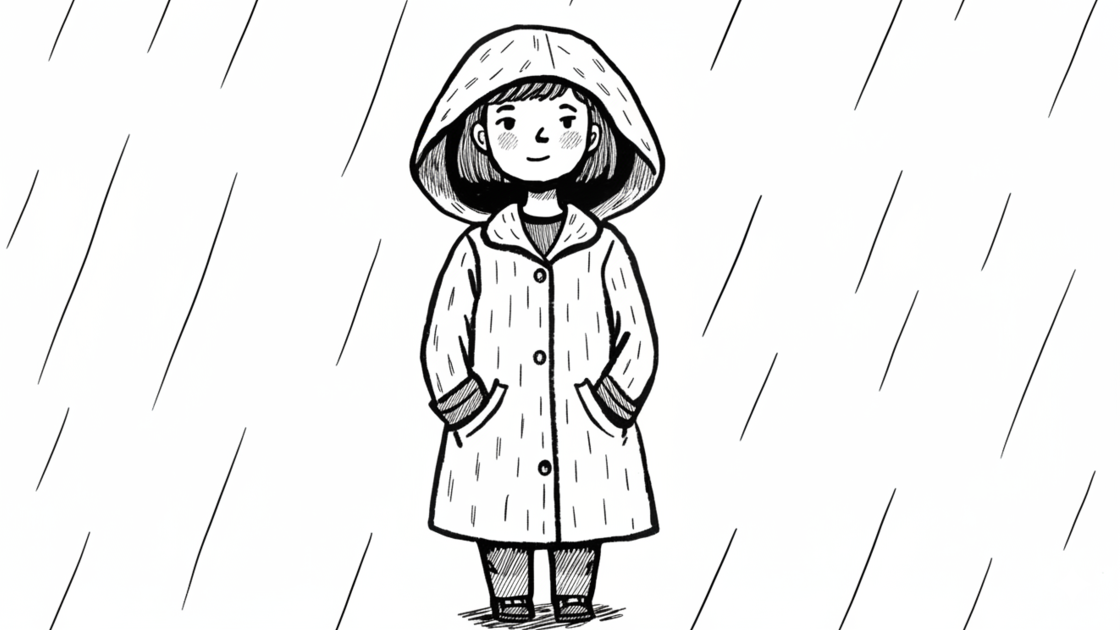
Image to Sketch Converter
Turn a photo into pencil sketches, ink lines, charcoal drawings, or clean outlines with Lovnib. Upload an image, choose a style, and create a sketch for portraits, pets, products, gifts, and coloring pages.
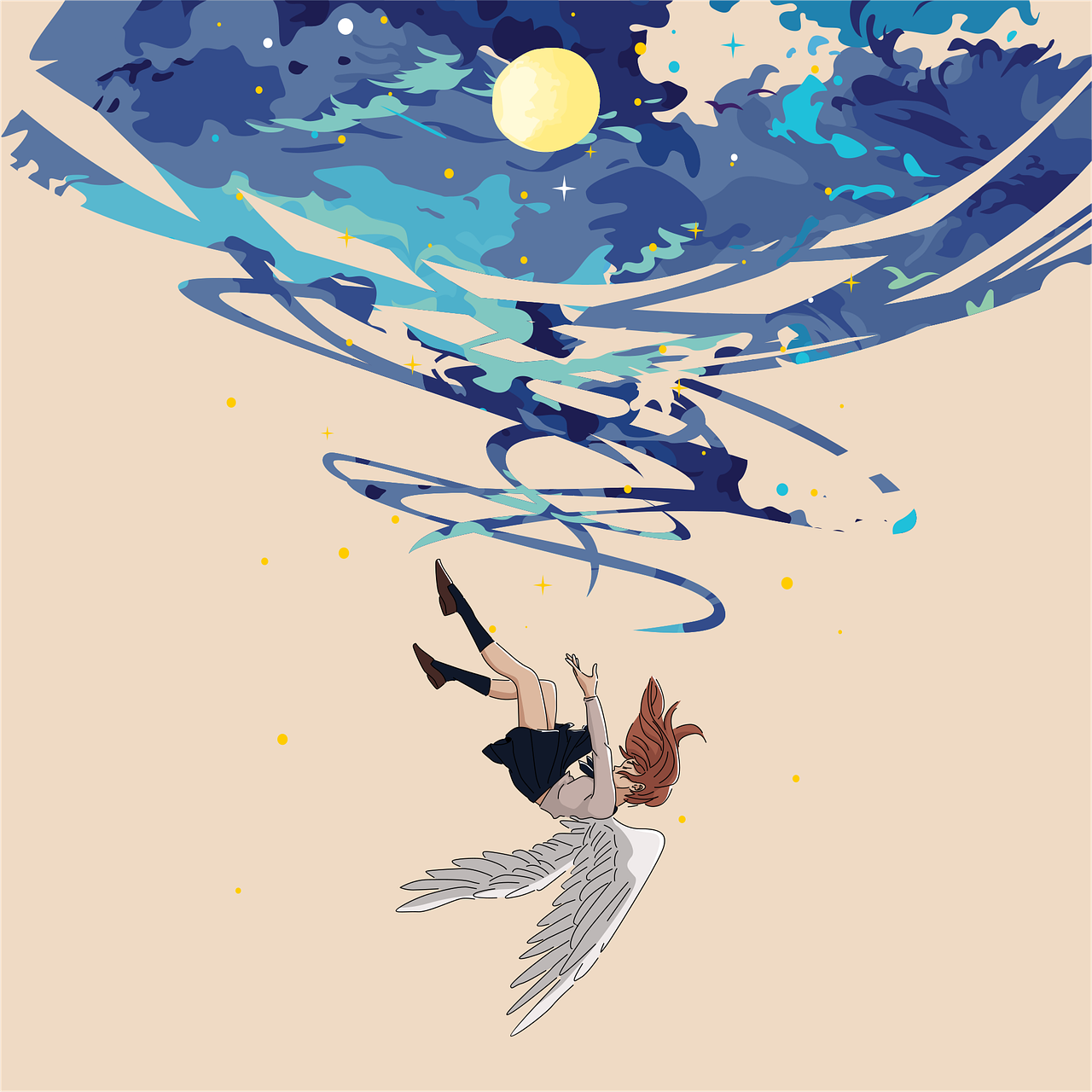


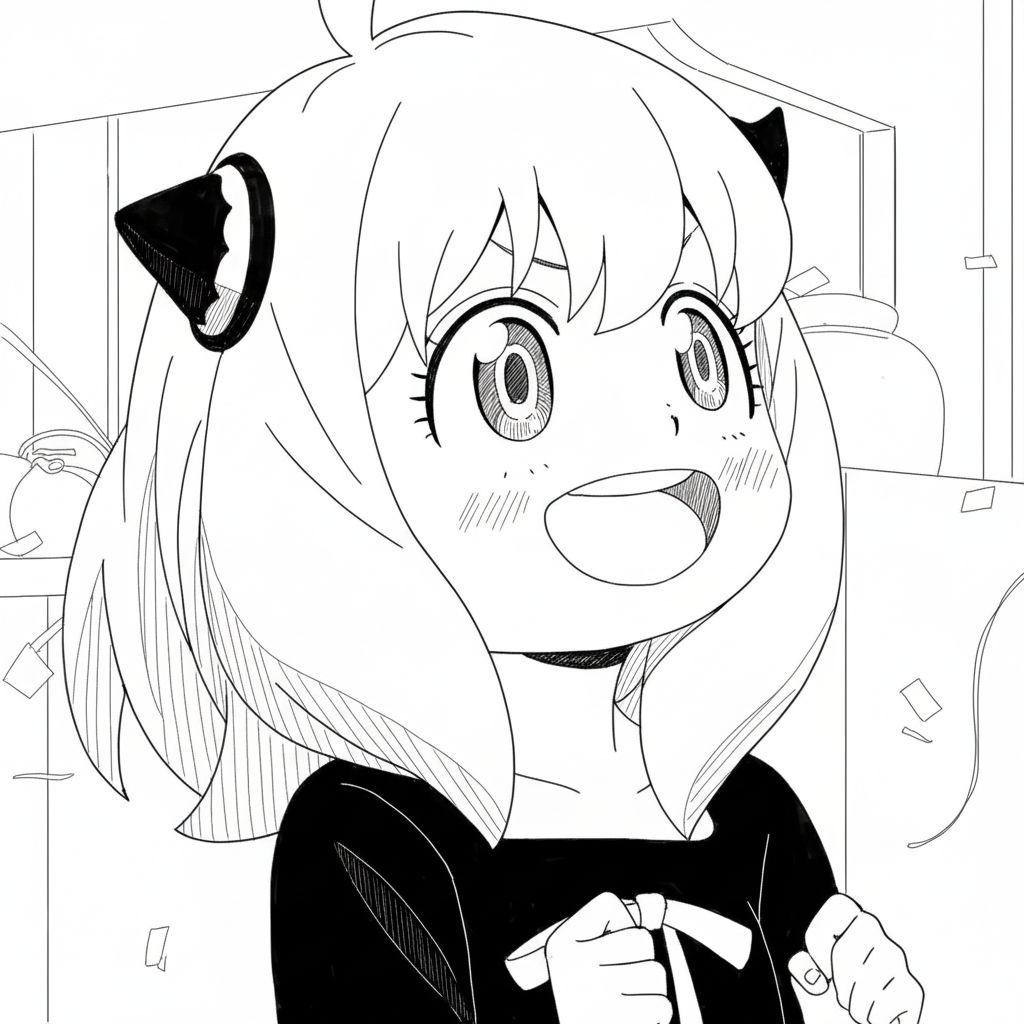
Classic pencil sketching style with detailed shading and soft strokes, perfect for portraits and architectural drawings.
Convert Photos to Pencil Sketches, Ink Lines, and More
Lovnib's image to sketch converter turns real photos into drawing-style outputs while keeping the original subject recognizable. Use it for portraits, pets, products, scenes, and social avatars.
Choose pencil sketch, charcoal, ink line, cross hatching, or cartoon outline, then use options such as a white background when you need cleaner printable line art or coloring-page results.
How to Convert Image to Sketch Online
Upload a photo, choose a drawing style, generate the result, and download the sketch from the same page.
Step 1: Upload a Photo
Upload a JPG, PNG, or WEBP image up to 10MB, or paste an image URL when available.
Step 2: Choose a Sketch Style
Pick pencil sketch, charcoal, ink line, cross hatching, or cartoon outline. Use white background when you want cleaner printable line art.
Step 3: Download Your Sketch
Download a preview image, or use Lovnib Premium for 1024px HD downloads and private outputs.
What You Can Create With This Image to Sketch Converter
A focused photo-to-sketch workflow for drawings, outlines, portraits, products, and coloring pages.
Photo to Drawing Workflow
Upload a photo, choose a style, and create a sketch result without opening a traditional drawing app.
Multiple Sketch Styles
Switch between pencil sketch, charcoal, ink line, cross hatching, and cartoon outline to match the result to your project.
Subject-Aware Conversion
The workflow is designed to keep the main subject recognizable while translating the photo into drawing-style lines and shading.
Preview and HD Downloads
Download a preview result for quick use, or use Lovnib Premium when you need 1024px HD sketch downloads.
In-Page History
Your last 10 results stay in the page history for this browser session, so you can reopen, compare, or download recent sketches.
Trial and Premium Options
Sign in to use trial credits. Upgrade to Lovnib Premium when you need private outputs and HD downloads.
Discover Other AI Image to Sketch Generators
Try other effects for different needs.
Text to Sketch
Create sketches from text descriptions.
Photo to Pencil Sketch
Realistic pencil texture and shading.
Photo to Charcoal
Bold charcoal strokes with dramatic contrast.
Photo to Ink Line
Crisp black-and-white outlines for print.
Photo to Cross Hatching
Add cross-hatched texture and depth.
Photo to Cartoon Outline
Convert photos to cartoon outlines.
Frequently Asked Questions
Practical answers about converting photos into sketches with Lovnib.
What is an image to sketch converter?
An image to sketch converter turns a photo into a drawing-style result. Lovnib supports pencil sketch, charcoal, ink line, cross hatching, and cartoon outline styles, so the same upload can become a soft pencil drawing, a clean outline, or a bolder sketch effect.
How do I turn a photo into a sketch on Lovnib?
Upload a JPG, PNG, or WEBP image, choose a sketch style, adjust options such as white background when needed, then generate the result. After the sketch is ready, download a preview or use Premium for 1024px HD downloads.
Which sketch styles can I create from a photo?
You can create pencil sketches, charcoal drawings, ink line results, cross-hatching sketches, and cartoon outlines. The style choice helps you move from a realistic photo to sketch result toward cleaner line art or a more expressive drawing look.
What image formats and file size does the converter support?
Lovnib supports JPG, PNG, and WEBP uploads up to 10MB. For better photo-to-sketch results, use a clear image with a visible subject, good lighting, and enough detail for the chosen sketch style.
Can I make line art for coloring pages?
Yes. Choose an outline-focused style such as ink line or cartoon outline, then enable the white background option when you want a cleaner printable result. This works well for simple coloring pages, pet outlines, portraits, and product shapes.
Are generated sketches private?
Trial renders may be saved to a public link that is not listed in a gallery. Upgrade to Lovnib Premium for private generation, private storage, and HD downloads.