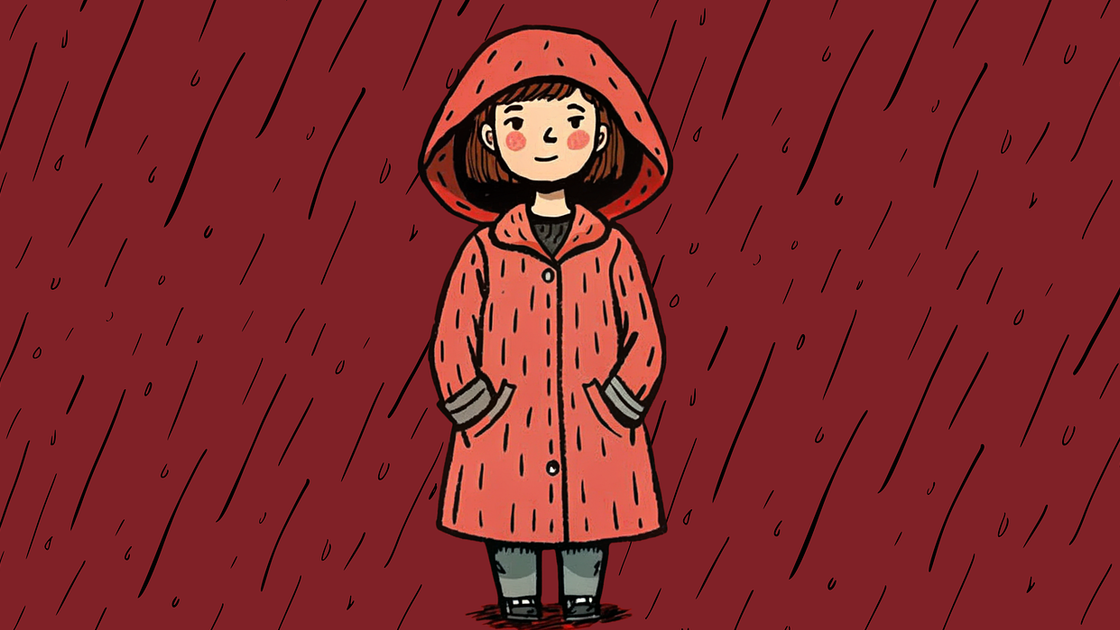
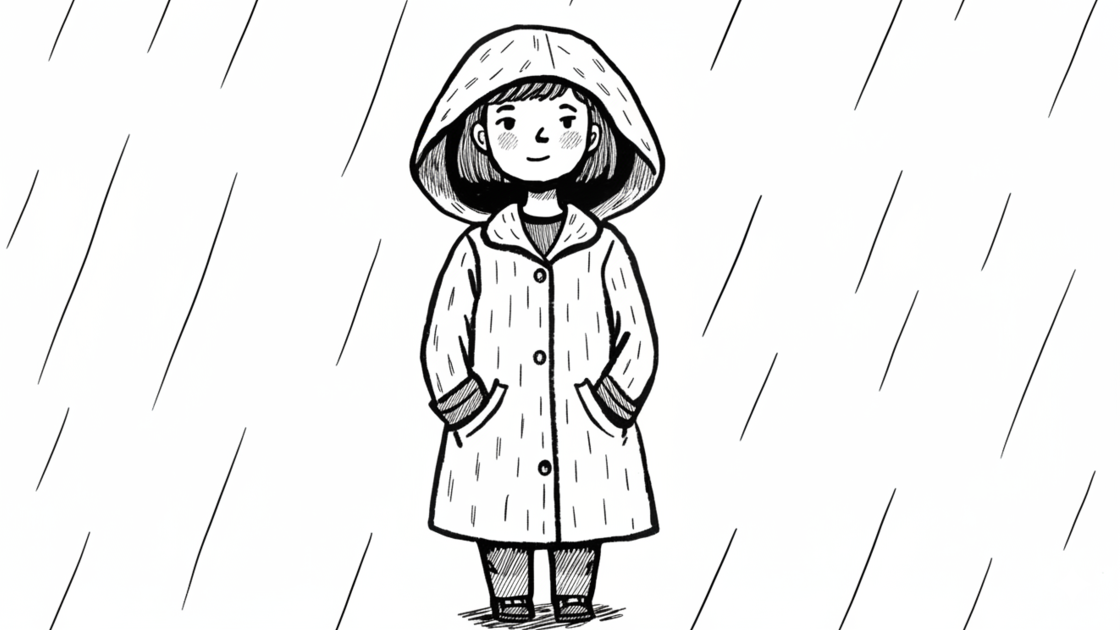
AI Text to Sketch Generator - Create Art from Words
Turn your imagination into stunning sketches with just a text description. Our AI text to sketch generator transforms your words into beautiful hand-drawn style artwork. Describe portraits, scenes, or concepts and instantly create unique pencil drawings.

Bring Your Ideas to Life with Words
No reference photo needed. Simply describe what you envision and watch it become a sketch. Our AI text to sketch generator interprets your descriptions and creates detailed pencil drawings that match your imagination, perfect for concept art and creative exploration.
Create Text to Sketch
AI Understands Complex Scenes & Details
Describe intricate scenes with multiple elements, lighting conditions, and compositions. Our AI interprets relationships between objects, understands spatial depth, and renders them as cohesive sketch artwork with natural proportions and perspective.
Create Text to Sketch
Perfect for Characters & Concept Art
Create character designs, scene concepts, or storyboard frames from written descriptions. Ideal for writers, game designers, and creators who want to visualize their ideas before committing to detailed artwork or photography.
Create Text to Sketch
Fast Iteration & Creative Freedom
Quickly test different ideas by adjusting your text description. No need for drawing skills or photo editing—just refine your words and generate new variations. Perfect for brainstorming and exploring visual concepts rapidly.
Create Text to Sketch
How to Use Text to Sketch Generator
Step 1
Type a description of the sketch you want to create.
Step 2
Review your prompt and click Create to generate.
Step 3
Download or share your AI-generated sketch artwork.
Discover Other AI Image to Sketch Generators
Try other effects for different needs.
Image to Sketch
Turn photos into pencil-style sketches.
Photo to Pencil Sketch
Realistic pencil texture and shading.
Photo to Charcoal
Bold charcoal strokes with dramatic contrast.
Photo to Ink Line
Crisp black-and-white outlines for print.
Photo to Cross Hatching
Add cross-hatched texture and depth.
Photo to Cartoon Outline
Convert photos to cartoon outlines.
Join Creators Bringing Ideas to Life with AI
Get Started NowFAQs
How does the Text to Sketch generator work?
Simply type a description of what you want to draw, and our AI interprets your words to create a hand-drawn style sketch. No photo or drawing skills required.
What kind of descriptions work best?
Be specific about subjects, poses, lighting, and mood. For example, 'a smiling elderly man with glasses reading a book' works better than just 'old man'. Include details about setting, atmosphere, and artistic elements for best results.
Do I need credits to use the Text to Sketch generator?
Yes. Sign in to use trial credits with the Text to Sketch generator. Upgrade when you need more credits, private outputs, or higher-resolution downloads.
How can I improve my sketch results?
Add more details to your description: specify lighting direction, background elements, subject expressions, and composition. Experiment with different phrasings—sometimes rewording a prompt yields surprisingly different and better results.
Can I use the generated sketches commercially?
Yes, you can use the generated sketches for personal or commercial projects, including illustrations, concept art, merchandise, and marketing materials.