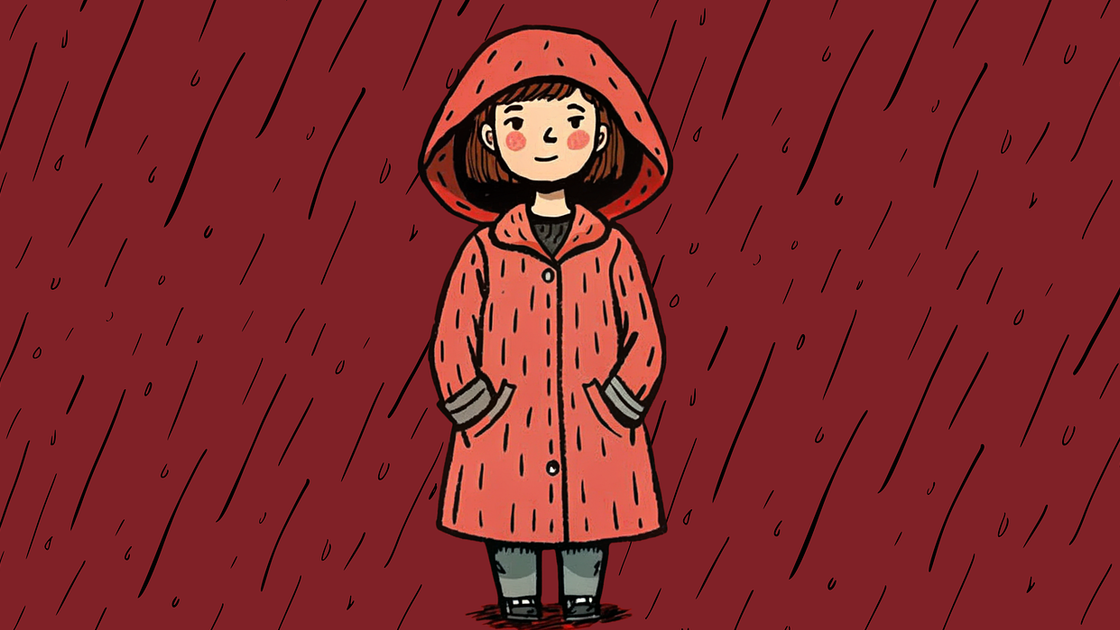
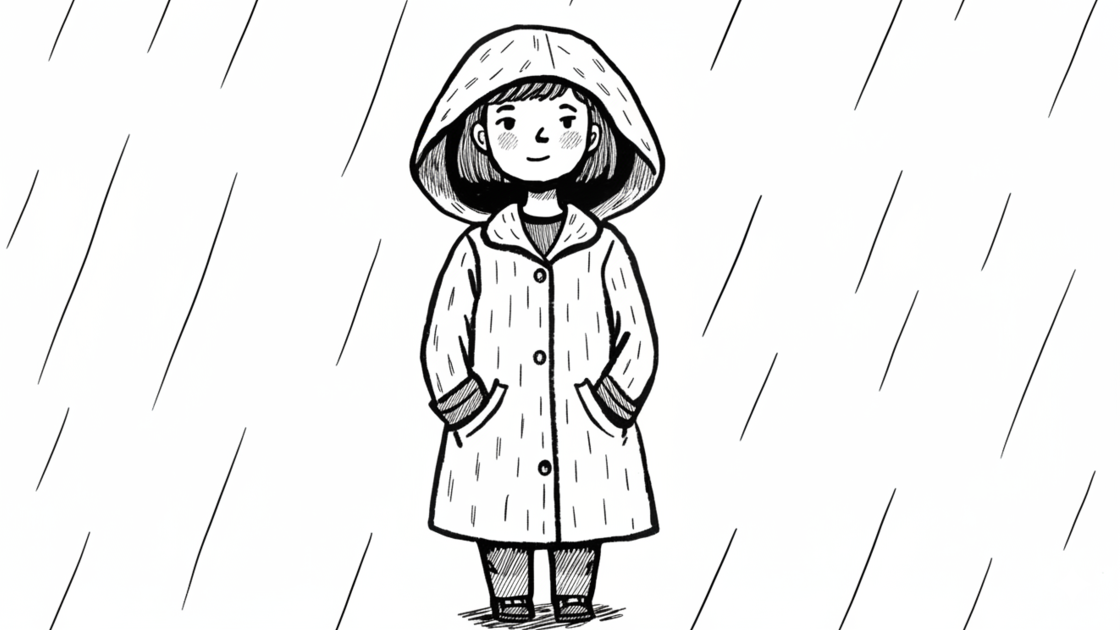
AI Photo to Pencil Sketch Generator
Create stunning pencil sketches from any photo in seconds. Our AI pencil sketch generator transforms your images into realistic, hand-drawn style artwork effortlessly. Upload portraits, pets, or scenes and instantly convert them into beautiful pencil drawings.


Natural Pencil Strokes & Fine Line Detail
Experience authentic pencil artistry with delicate strokes and subtle line variations. Our AI pencil sketch generator recreates the organic texture and soft edges of real graphite on paper, producing artwork with the intimate, handcrafted feel that makes pencil drawings timeless.
Create Pencil Sketches
Soft Shading & Smooth Tonal Gradients
Our photo to pencil sketch generator masterfully handles light and shadow to create gentle tonal transitions. From soft mid-tones to delicate highlights, every sketch captures the subtle gradients that give pencil drawings their characteristic warmth and depth.
Create Pencil Sketches
Perfect for Portraits & Personalized Gifts
Create heartfelt pencil portraits ideal for custom gifts, family keepsakes, memorial tributes, or romantic surprises. Our pencil sketch generator delivers the warm, personal touch of hand-drawn art that photographs simply cannot capture.
Create Pencil Sketches
Professional Results Without Drawing Skills
Skip the years of practice needed to master pencil shading techniques. Our photo to pencil sketch generator instantly creates artwork with the refined quality of a skilled portrait artist. No drawing talent or supplies required.
Create Pencil Sketches
How to Use Photo to Pencil Sketch Generator
Step 1
Upload a photo you want to convert to pencil sketch.
Step 2
Click Create and let the AI generate your pencil sketch instantly.
Step 3
Download or share your unique pencil sketch with ease.
Discover Other AI Image to Sketch Generators
Try other effects for different needs.
Image to Sketch
Turn photos into pencil-style sketches.
Text to Sketch
Create sketches from text descriptions.
Photo to Charcoal
Bold charcoal strokes with dramatic contrast.
Photo to Ink Line
Crisp black-and-white outlines for print.
Photo to Cross Hatching
Add cross-hatched texture and depth.
Photo to Cartoon Outline
Convert photos to cartoon outlines.
Join Thousands of Creators Making Amazing Artwork
Get Started NowFAQs
How does the Photo to Pencil Sketch generator work?
Simply upload your photo, and the AI instantly converts it into a realistic, hand-drawn style pencil sketch. No complex editing required.
What types of photos work best for pencil sketch conversion?
Our AI works great with portraits, pets, and scenes. Photos with clear subjects and good lighting produce the best pencil sketch results with natural shading.
Do I need credits to use the Photo to Pencil Sketch generator?
Yes. Sign in to use trial credits with the Photo to Pencil Sketch generator. Upgrade when you need more credits, private outputs, or higher-resolution downloads.
What can I do with the generated pencil sketches?
The pencil sketches are perfect for personalized gifts, portrait art, social media posts, printed keepsakes, and any creative project that needs realistic hand-drawn artwork.
Can I use the pencil sketches for commercial purposes?
Yes, you can use the generated pencil sketches for personal or commercial projects, giving you flexibility in how you showcase your creativity.