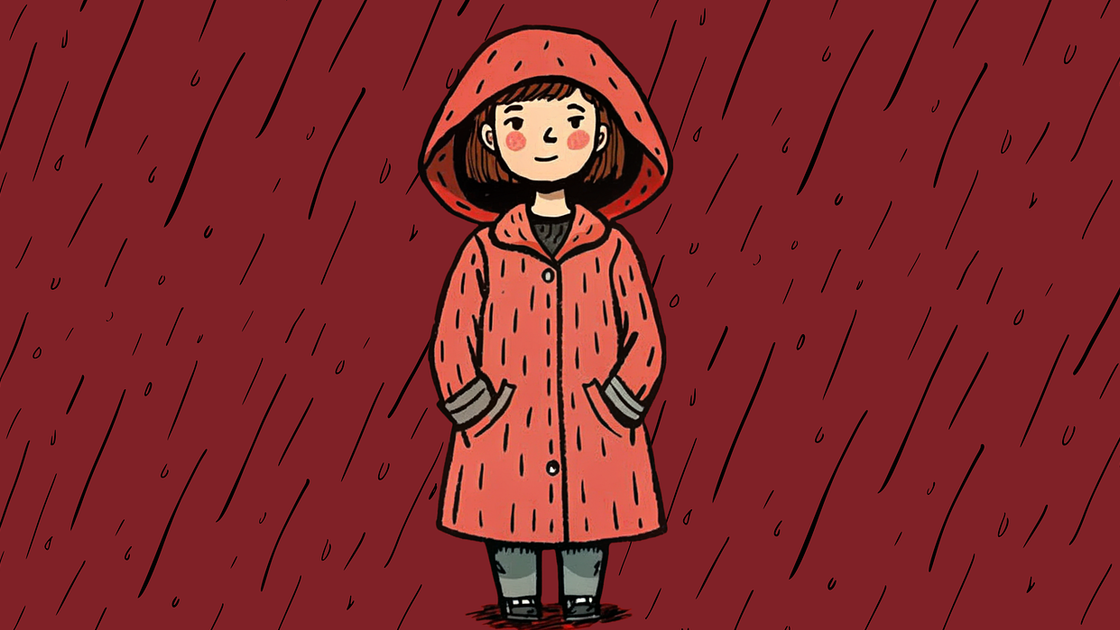
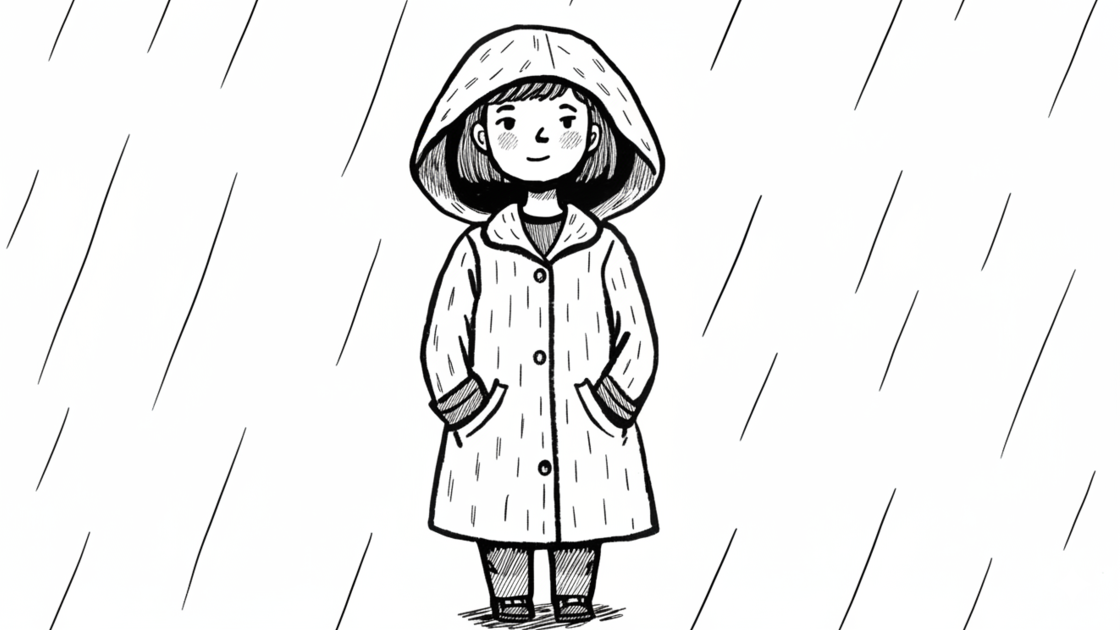
AI Photo to Ink Line Art Generator
Create crisp, high-contrast line art from any photo in seconds. Our AI ink line generator extracts clean black-and-white outlines effortlessly. Upload portraits, logos, or designs and instantly convert them into print-ready ink line drawings.


Crisp Black-and-White Outlines
Get razor-sharp line art with pure black lines on white backgrounds. Our AI ink line generator removes all shading and gradients, extracting only the essential contours for maximum clarity and contrast that looks stunning on any medium.
Create Ink Line Art
Print-Ready & Vector-Compatible
Our photo to ink line generator creates high-contrast outputs ideal for SVG tracing, screen printing, laser engraving, and vinyl cutting. The clean edges and solid lines ensure perfect results whether you're printing stickers or cutting decals.
Create Ink Line Art
Perfect for Coloring Pages & Stamps
Transform photos into beautiful coloring book pages, custom rubber stamps, or embroidery patterns. Our ink line generator creates bold, fillable outlines that are easy to color and perfect for DIY crafts, educational materials, or creative projects.
Create Ink Line Art
Instant Results, No Design Skills Needed
Skip the tedious manual tracing in Illustrator or Photoshop. Our photo to ink line generator automatically extracts clean outlines in seconds. No drawing tablet, no pen tool expertise—just upload and download professional line art instantly.
Create Ink Line Art
How to Use Photo to Ink Line Generator
Step 1
Upload a photo you want to convert to ink line art.
Step 2
Click Create and let the AI extract clean outlines instantly.
Step 3
Download your high-contrast line art and use it anywhere.
Discover Other AI Image to Sketch Generators
Try other effects for different needs.
Image to Sketch
Turn photos into pencil-style sketches.
Text to Sketch
Create sketches from text descriptions.
Photo to Pencil Sketch
Realistic pencil texture and shading.
Photo to Charcoal
Bold charcoal strokes with dramatic contrast.
Photo to Cross Hatching
Add cross-hatched texture and depth.
Photo to Cartoon Outline
Convert photos to cartoon outlines.
Join Creators Making Print-Ready Line Art
Get Started NowFAQs
How does the Photo to Ink Line generator work?
Simply upload your photo, and the AI analyzes edges and contours, then extracts clean black-and-white lines while removing shading and color. The result is crisp outline art ready for any use.
What types of images work best for ink line conversion?
Photos with clear subjects and good contrast produce the best results. Logos, portraits, product photos, and illustrations with defined edges convert beautifully into clean ink line art.
Do I need credits to use the Photo to Ink Line generator?
Yes. Sign in to use trial credits with the Photo to Ink Line generator. Upgrade when you need more credits, private outputs, or higher-resolution downloads.
Can I use the ink line art for SVG tracing or printing?
Yes! The high-contrast output is perfect for vector tracing in Illustrator, screen printing, laser cutting, vinyl decals, and any application requiring clean, solid lines.
Can I use the ink line art for commercial purposes?
Yes, you can use the generated ink line art for personal or commercial projects, including prints, merchandise, logos, and marketing materials.